
Opening a Second Fitness Studio: Is Your Technology Ready?
· 4Select
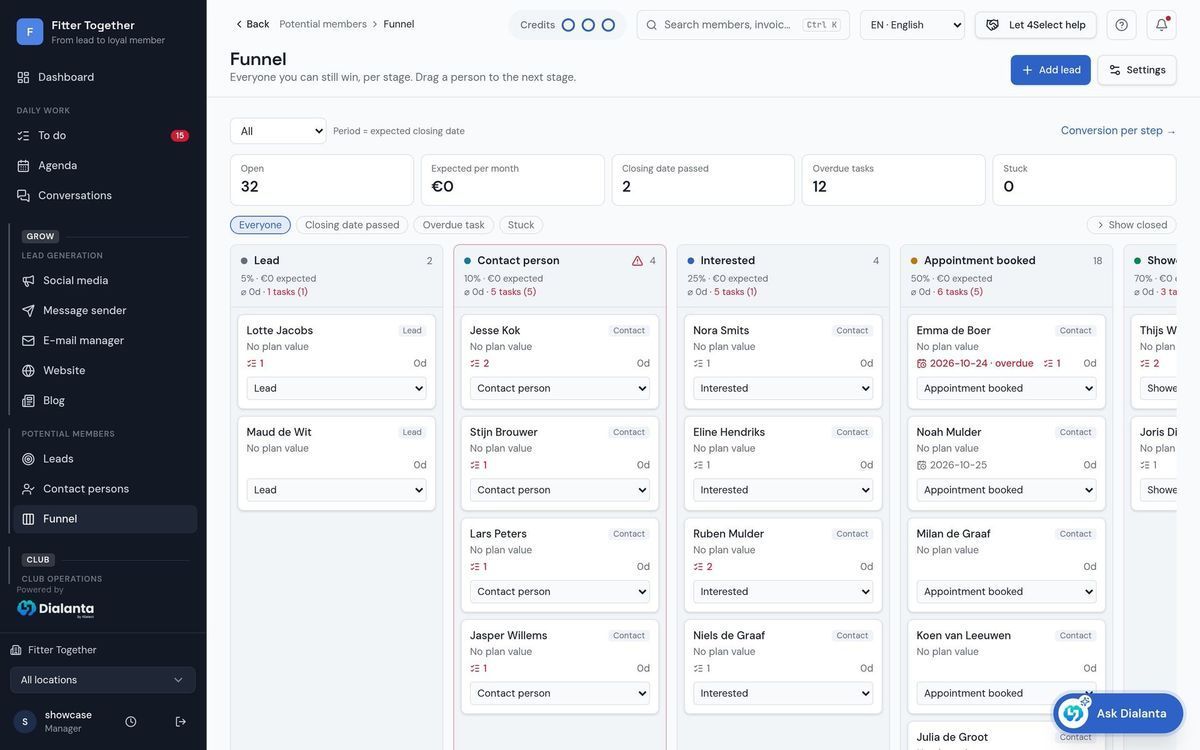
Before opening a second fitness studio, check that your technology can handle two locations without creating duplicate records, missed enquiries or unclear responsibilities. Start by testing the complete journey from enquiry to paying member—not by comparing software feature lists.
For boutique studios expanding to multiple locations, the key question is whether the processes that work at one site still work when different teams share them. Here is a practical way to assess that before committing to new tools.
1. Can every enquiry reach the right location and person?
A second studio adds a routing decision to your lead follow-up. Someone may enquire through your main website, respond to a location-specific campaign or ask about both sites.
Your setup should make these details clear:
- The location the prospect is interested in, including an option for undecided prospects.
- The source of the enquiry and the service requested.
- The person responsible for the next response.
- The next action and when it is due.
Test it: submit an enquiry for each location, then one without a preferred location. Check who receives each enquiry and whether a staff member can act without searching through separate inboxes.
If this only works because the owner manually forwards messages, resolve that dependency before adding more campaigns.
2. Can someone interested in both studios stay one person?
A prospect who asks about two locations should not automatically receive two competing sales conversations. Equally, sharing a contact record should not mean giving every employee access to every detail.
Ask your current or prospective supplier to demonstrate how the system handles:
- A repeat enquiry from the same person.
- A change in preferred location.
- A handover between staff members.
- Location-specific access permissions.
- Contact preferences and requests to stop marketing messages.
Test it: enquire at the second studio using the same contact details as an existing test lead. Look for duplicate tasks, conflicting messages and missing conversation history.
3. Does the booking journey match each studio's actual offer?
Consistency does not mean every location needs an identical timetable or intake. A reformer studio, personal training studio or functional training site may have different capacity and appointment requirements.
Keep shared stages clear—such as enquiry, appointment booked, attended and joined—while allowing the booking details to reflect each location.
Test it: book an introduction, reschedule it and cancel it. Confirm that the location, appointment details and staff tasks update correctly at each step. Check that reminders do not continue for a cancelled appointment.
A documented process helps you decide what technology must support. For a related reference, visit 4Select's sales process design page and check whether it addresses your requirements.
4. Can another team member take over without asking the owner?
A system is not ready to scale if only one person understands what its statuses mean. Write down who handles new enquiries, who follows up missed appointments and who takes responsibility after someone joins.
Test it: ask a colleague who did not handle the original enquiry to identify the prospect's last interaction, current status and next action. If they need a verbal explanation, improve the records or the handover process.
Technology and responsibilities need to agree. Use your list of roles, responsibilities and team KPIs when reviewing 4Select's organisational clarity page.
5. Will both locations measure the same things?
Multi-location fitness reporting becomes unreliable when one studio counts a booking as a trial and another counts only attendance. Agree on definitions before collecting data across sites.
- Lead: define which enquiries qualify and how duplicates are treated.
- Attendance: distinguish bookings from completed visits.
- New member: agree on the event that counts as joining.
- Location: distinguish a transfer from a genuinely new member.
Test it: follow one test contact through the journey and check that both the location view and combined view count it as intended.
Keep your tools or replace them?
Keep the current setup if it passes these tests and staff can operate it reliably. Consider changes where information cannot move between systems, permissions are unsuitable or routine tasks depend on manual copying.
Do not assume an all-in-one platform solves every process problem. Ask for a demonstration using your own scenarios, and confirm migration, export options, permissions and integration requirements before deciding. You can also review 4Select's one system versus separate tools page against those requirements.
Plan the second location around a repeatable process
Before expanding, consider how strategy, marketing, sales and retention will connect across your locations. If you are considering external support, review 4Select's chains and franchises page and confirm whether its services match your needs.
Preparing to expand? Gather your current tool list, enquiry journey and the gaps uncovered by these tests. Use the 4Select contact page to ask whether support is available for standardising processes before your next studio opens.