
What Should a Multi-Location Fitness Growth Report Include?
· 4Select
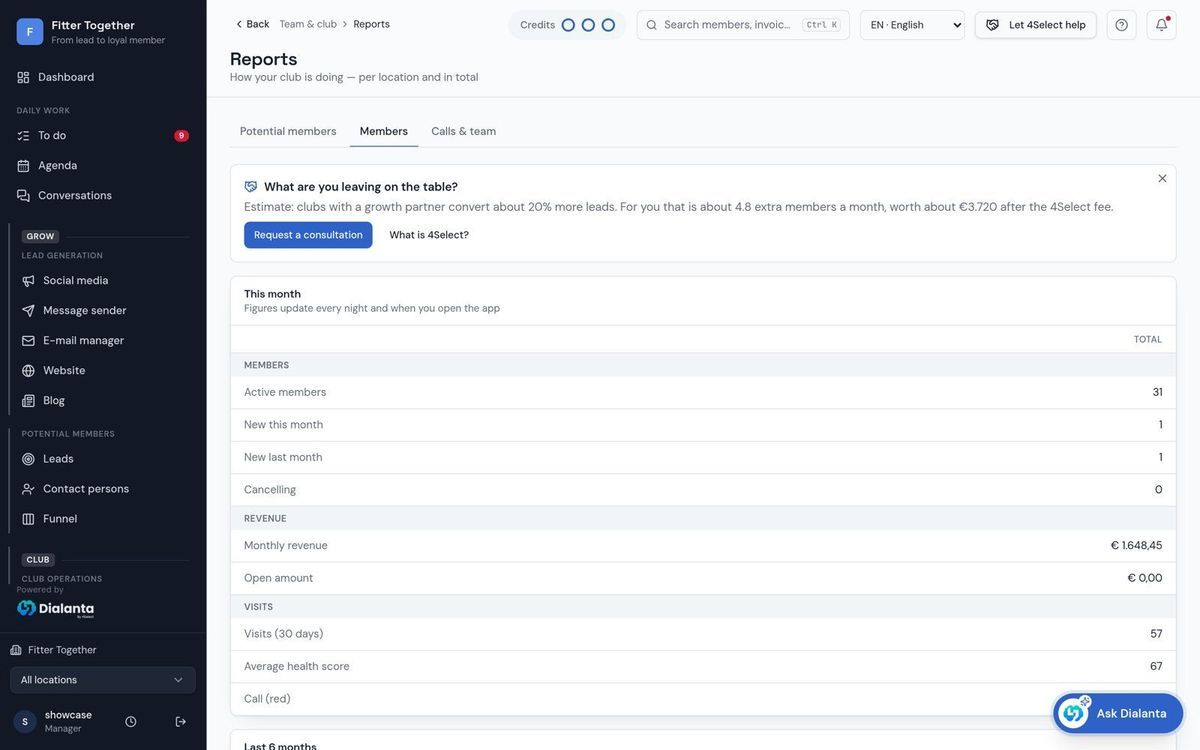
A multi-location fitness growth report should show how each location turns enquiries into paying members, how many members leave, and what happens to revenue. Use the same definitions and reporting periods across sites, then show both the group total and each location’s results. Leads alone cannot tell you whether expansion is working.
For boutique studios opening a second site or established fitness chains adding locations, the goal is not a bigger dashboard. It is a report that tells you where to investigate, who owns the next action, and whether that action helped.
Start with one shared set of definitions
Before comparing locations, agree on what each number means. Otherwise, one studio may count every form submission as a lead while another counts only people who have replied.
- Lead: a unique new prospect who enquires, with duplicate submissions removed.
- Booked introduction: a prospect with a confirmed introductory appointment, consultation or trial session.
- Attended introduction: a prospect who actually attends that appointment.
- New paying member: someone who starts a paid membership, rather than simply booking or registering.
- Cancellation: a membership that ends during the reporting period. Track cancellation requests separately if their end dates fall later.
Record transfers between sites separately from new members and cancellations. Moving an existing member to a new location is not new growth for the group.
Build a location-by-location growth scorecard
1. Marketing and lead acquisition
Show advertising spend, unique leads and lead source for each location. Include an “unknown” source category rather than assigning enquiries to a channel without evidence.
Track cost per lead, but do not use it as the final measure of success. A cheaper enquiry is not necessarily a cheaper paying member.
2. Follow-up and conversion
Show booked introductions, attended introductions and new paying members. Calculate conversion at each step so managers can distinguish a booking problem from an attendance or sales problem.
- Booking rate: prospects who book divided by unique leads.
- Attendance rate: prospects who attend divided by prospects who book.
- Lead-to-member conversion: new paying members from a lead cohort divided by the leads in that cohort.
A cohort is a group of leads acquired during the same period. Use cohorts for conversion reporting: dividing this month’s joins by this month’s leads can mislead when some members first enquired earlier. Keep recent cohorts marked as incomplete while prospects are still deciding.
3. Membership movement and retention
Include opening active members, new joins, ended memberships, transfers and closing active members. Show freezes and reactivations separately if they affect your active-member definition.
For a simple monthly churn measure, divide ended memberships by active members at the start of the month, using the same rules at every site. Review attendance patterns alongside cancellations to identify questions worth investigating—not to assume why an individual member leaves. See 4Select’s member data analysis page.
4. Revenue and acquisition cost
Separate recurring membership revenue from introductory passes, packages and other one-off sales. Keep revenue recognition consistent across locations.
If you divide advertising spend by attributed new members, label the result “ad cost per new member”. A broader acquisition-cost calculation should also include the marketing and sales costs you choose to allocate. Do not compare sites using different cost definitions.
Compare locations fairly, not just by size
A mature club and a newly opened boutique studio should not be judged only by total membership. Show each location’s opening date, capacity constraints and targets beside its results.
Use rates to compare process performance, but always display the underlying counts. Two joins from four leads and 50 joins from 100 leads both produce 50% conversion, yet provide very different amounts of evidence.
For group conversion, divide total converted leads by total leads. Do not simply average location percentages: that gives a small site the same weight as a much larger one.
Check the technology before adding another dashboard
When evaluating fitness technology for boutique studios expanding to multiple locations, ask whether you can:
- Keep a unique prospect or member record without counting the same person twice.
- Record lead source, location, appointment status and membership outcome together.
- Distinguish a member’s home location from visits to other sites.
- Apply consistent reporting definitions and appropriate staff access.
- Export the underlying records to check totals and resolve discrepancies.
These are evaluation criteria, not reasons to replace every tool immediately. First identify where information gets lost. See the comparison of one system versus separate tools as you review your setup.
Turn the report into a management routine
Review follow-up and appointment issues weekly, then use a monthly review for membership, revenue and retention trends. For each location, choose a specific issue to investigate and give the next action an owner and review date.
For example, stable enquiries with falling bookings suggest checking contact attempts and appointment availability before increasing ad spend. Healthy joins alongside rising cancellations call for a retention review, not simply a larger lead target.
Build one growth view across your locations
Use shared reporting definitions to bring strategy, marketing and sales discussions into one view across locations. For more information, visit 4Select’s chains and franchises page.
Want to identify what your current reports are missing? Start by gathering your location-level lead, join, cancellation and revenue figures, plus a list of the tools you use today. To enquire about support with your growth goals, contact 4Select.